
Key Takeaways
- Visitors often form an opinion of a local business before making contact.
- Clear service details, current contact information, and real proof can reduce uncertainty.
- Fast, mobile-friendly pages make it easier for customers to find answers and take action.
- Accessible design can improve usability for a wider range of visitors.
- Every important page should point toward one clear, relevant next step.
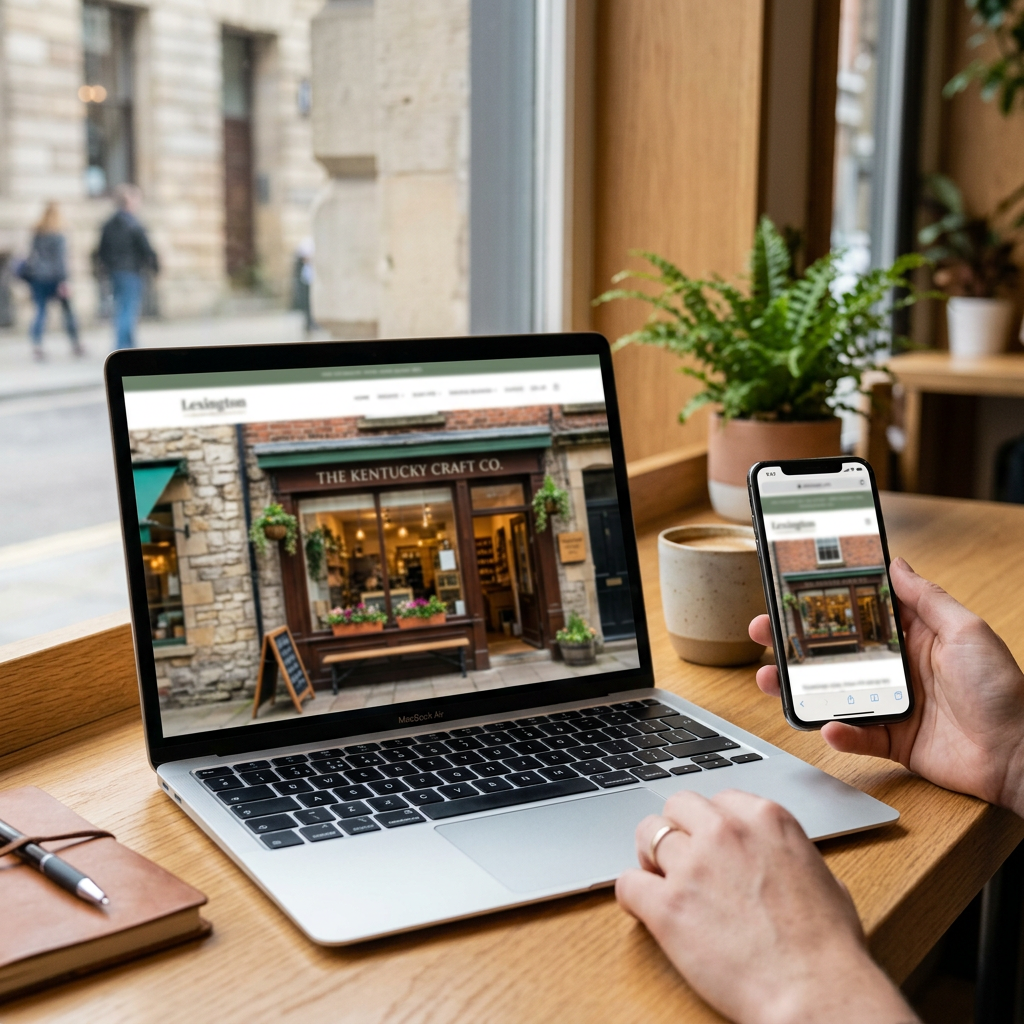
In Lexington, a business website often shapes a customer’s first impression before they call, request an estimate, or visit a storefront. Whether someone is looking for a contractor in Fayette County, a dental practice near downtown, or a service provider that covers Central Kentucky, they want quick confirmation that the business is legitimate, helpful, and easy to reach. Harris & Ward offers Lexington web design services that bring together website strategy, copywriting, design, and development for businesses in Lexington and the surrounding Central Kentucky area, making the team a useful local example of how to build a website around real customer needs.
A trustworthy website does not need dramatic effects or complicated features. It needs to give visitors clear answers, work smoothly on the device in their hand, and make the next step feel simple. For local businesses, that combination can help turn online research into a phone call, an appointment, a store visit, or a quote request.
Why Website Trust Matters for Lexington Businesses
Local customers frequently compare several options before choosing a business. A homeowner may review roofers after a storm, a parent may compare pediatric providers, or a visitor may search for a restaurant before heading toward the Distillery District. If a website is confusing, outdated, or hard to use on a phone, visitors may leave before learning what the business actually offers.
Trust signals should be visible without requiring visitors to hunt for them. Useful signals include a clear business name, local address or service area, current hours, a working phone number, recent photos, detailed service descriptions, and customer feedback. Professional licenses, memberships, warranties, and project examples can also help people evaluate a business with more confidence.
Start With a Clear Message
The top of a home page should answer three questions quickly: What does the business offer? Who does it help? What should the visitor do next? Plain language usually works better than broad slogans or insider terminology.
- Less clear: “Elevating your vision through exceptional solutions.”
- Clearer: “Residential landscaping and seasonal lawn care for Lexington homeowners. Request an estimate today.”
The stronger version names the service, identifies the audience, and gives a practical next step. A visitor should not need to interpret a brand message before deciding whether the business is relevant.
Make Important Information Easy to Find
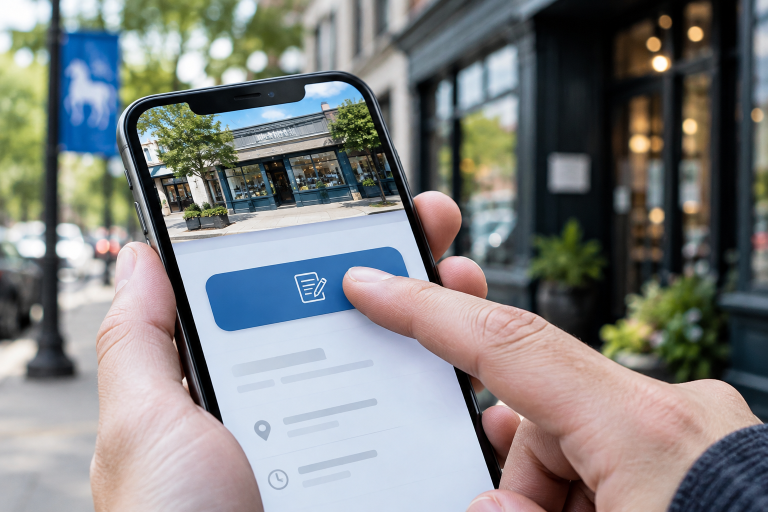
Most customers arrive with a practical question. They may want to know whether a business serves Georgetown or Nicholasville, accepts new patients, offers emergency appointments, provides financing, or has availability this week. Answer those questions on the website rather than forcing people to call for basic details.
- Services or products, with useful descriptions.
- Pricing guidance, quote details, or financing information when appropriate.
- Service areas, including nearby communities actually served.
- Hours, address, phone number, email, and parking or visit information.
- Frequently asked questions, policies, warranties, and appointment instructions.
Keep navigation simple and use descriptive menu labels. When information is missing or buried, even a well-run business can appear less prepared online than it is in person.
Build for Small Screens First
Many visitors will encounter a local business site on their phones while they are away from home or need an answer quickly. The mobile-friendly principles from Digital.gov reinforce the value of pages that work across devices rather than treating mobile as an afterthought.
- Use responsive layouts that adapt to narrow screens.
- Place essential details and the primary action near the top.
- Use readable text, clear spacing, and buttons that are easy to tap.
- Make phone numbers tappable and forms short.
- Avoid wide tables, dense blocks of text, and distracting pop-ups.
- Test the home page, service pages, and contact process on several devices.
Improve Speed Without Sacrificing Quality
A slow page can interrupt a customer who only wants to check hours, see examples of recent work, or request a quote. Small businesses can often improve performance by compressing oversized images, removing unused plugins and scripts, limiting unnecessary animation, using reliable hosting, and testing key pages on a mobile connection.
Speed should support the customer’s goal. A simpler page that loads promptly and answers a question clearly can be more useful than a visually busy page that delays the information visitors need.
Use Real Proof Instead of Broad Claims
Claims such as “the best” or “top-rated” are less persuasive when they stand alone. Specific, current evidence helps visitors understand why a business may be a good fit.
- Reviews shared with permission.
- Before-and-after photos for relevant services.
- Short project examples that explain the customer need and outcome.
- Staff photos and biographies that introduce the people behind the business.
- Licenses, certifications, associations, and community partnerships.
Keep proof current, and place it near the service it supports. A remodeling example belongs on a remodeling page, while patient feedback may be more useful near an appointment page.
Make Accessibility Part of Good Design
Accessibility helps more people find information, navigate pages, and complete forms. The Department of Justice outlines website accessibility considerations, including color contrast, alternative text for meaningful images, captions, labeled form fields, clear error messages, headings, and keyboard navigation, in its web accessibility guidance.
These choices also improve everyday usability. Clear headings help people scan, well-labeled forms reduce guesswork, and sufficient contrast can make content easier to read in bright outdoor conditions.
Connect the Website to Local Search
Local search content should reflect the business honestly. Use consistent contact details on the website and business listings, describe real services, answer local customer questions, and mention Lexington, Fayette County, or nearby communities only where the information is genuinely useful. Connect the site with the company’s Google Business Profile and create substantial service pages instead of thin pages that merely repeat place names.
Guide Visitors Toward One Clear Next Step
Every important page should offer one primary action that matches the visitor’s intent. A service page may invite someone to request a quote, while a medical practice page may emphasize scheduling an appointment. Other appropriate actions include calling the business, viewing recent work, asking a question, or downloading a useful guide.
A Simple Website Trust Check
- Open the site on a phone and identify the business within five seconds.
- Find the main service, service area, phone number, and contact form.
- Check that pages, photos, reviews, and staff details are up to date.
- Test the main form from start to finish.
- Ask someone unfamiliar with the business to find a service page and explain what they learned.
Common Questions About Trustworthy Business Websites
How often should a business website be updated?
Update important facts whenever they change. Review services, staff details, photos, testimonials, forms, hours, and policies on a regular schedule to keep the website reliable.
Does a small business need a custom website?
Not always. A well-built template can work when it is tailored to the business and is fast, clear, and easy to maintain. A custom website may be appropriate when a business has more complex content, distinct needs, or plans for growth.
Can a website build trust without many reviews?
Yes. Accurate details, helpful answers, real imagery, transparent policies, staff information, and easy communication options can all make a business feel more credible.
Conclusion
A trustworthy Lexington business website should be clear, up to date, quick, accessible, and useful. When customers can understand the offer, confirm the business is real, and take the next step without unnecessary friction, the website becomes a practical extension of the service experience.
Discover more from The Cameron Journal
Subscribe to get the latest posts sent to your email.