
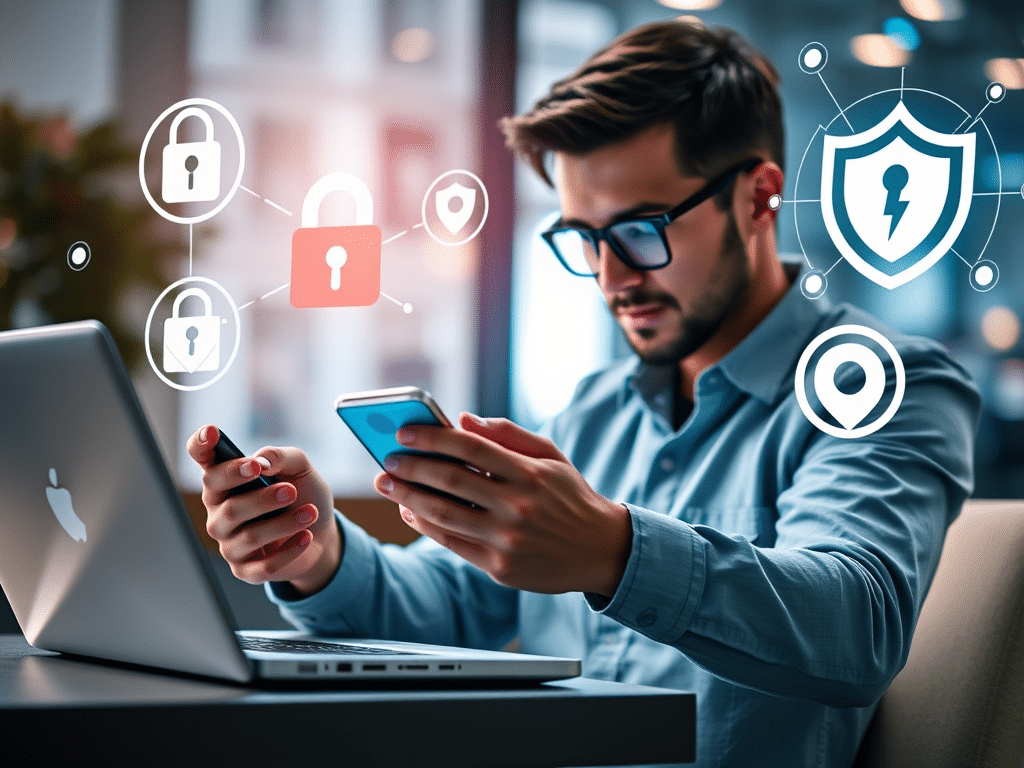
Today’s world is becoming more digitized with every passing year, with time spent glued to LCD screens naturally increasing in tandem. Gone are the days when people would sit at a dedicated computer station to browse the internet; today, everyone has a computer vastly more powerful than the desktop PCs of ten years ago in their pockets.
With this being the case, it’s crucial to prioritize online safety. As the adoption of smart internet-based technology grows, so do the associated cybersecurity risks.
In this article, you’ll learn about ten tools and services you can start using today to keep yourself safe as you enjoy online content.

Image Credit: Pexels
1. Virtual Private Network (VPN)
When thinking about protecting yourself online, your first port of call should be a high-quality VPN.
VPNs work by encrypting your activity (which means to conceal data) while using internet-based services by sending the information through various different servers. This keeps your IP address hidden, drastically lessening the likelihood of your personal information being breached or hacked.
Many companies offer subscription-based services to make the process simple and easy for anyone to use.
2. Two-Factor Authentication (2FA) Services
You’ll likely have many different online accounts for a variety of services and websites, and thankfully, many of these will utilize 2FA to make your data more secure.
2FA is essentially a double-check: you’ll log in, and then once your username and password have been verified, the system will send you a code to your phone or other smart device to make sure it’s definitely you logging in. Google Authenticator and Microsoft Authenticator are two of the most popular 2FA tools.
3. Secure Browsers
If you’re concerned about your online security, consider using a different web browser other than the standard one that comes with your device. Whether you’re on desktop or mobile, you can opt for browsers like Brave or Firefox that are known for their enhanced security tools.
These sorts of browsers are designed from the ground up to protect against data breaches and tracking, and when combined with a VPN service, offer a solid basic framework for safe internet surfing.
4. Firewalls
A firewall acts as a sort of gatekeeper of what comes in and what goes out as you’re browsing the web. It’s constantly checking activity for anything that looks suspicious, and blocks anything concerning before the situation escalates.
When you first set up your device, always make sure you at least turn on the firewall that comes built into the operating system. If you want to dig a little deeper for even greater protection, you can look to other third-party options.
5. Security-Enhanced Search Engines
To take things beyond secure browsers, you can also choose to use a search engine that prioritizes data privacy.
Engines like DuckDuckGo and Mojeek won’t track your searches and other activity – if there’s no personal information gathered in the first place, you can consider yourself safe.

Image Credit: Pexels
6. Ad Blockers
Ads are becoming more and more prevalent these days, and unfortunately, there’s also an inherent tracking component to them. Even without the tracking, many ads are simply malware in disguise, hoping to reel you in with the promise of some important software package that you need, only to infect your device with viruses.
A high-quality ad blocker can go a long way in remedying this. One of the most popular at the moment is uBlock Origin, but there are plenty of others on the market, too. Rather than being installed as standalone pieces of software, ad blockers are simply added to your browser as an extension these days. Beyond general software tools, being cautious about the specific platforms you visit is a vital component of a comprehensive security strategy. This is especially true in niche entertainment sectors where fraudulent sites often lure users with unrealistic promises.
Utilizing verification communities like 먹튀갤 꽁머니 토토 can help you identify which platforms are legitimate and which ones should be avoided to protect your financial data. By checking user reviews and expert verification guides, you add an extra layer of defense against sophisticated online scams. Staying informed through these specialized resources ensures that your digital experience remains both enjoyable and secure.
7. Encrypted Messaging
Most people use messaging apps as their primary form of communication to chat with friends and family, and so just like all other forms of internet activity, there’s a significant cybersecurity risk.
It’s best to use an encrypted messaging service if you can, with one of the most well-known being WhatsApp. WhatsApp uses the Signal encryption protocol to protect your communications in a similar way as described earlier with VPNs, helping to keep your conversations solely between you and whoever you’re speaking with.
8. Password Managers
Given the number of accounts people have active these days, a password manager can be an invaluable tool for keeping everything organized. A manager can help with all aspects of keeping your passwords safe, from autofilling to generating strong ones.
Options like Bitwarden, for example, also use encryption to protect all passwords contained in your account, significantly reducing your risk of a personal data breach.
9. Cloud Backup Services
Online security isn’t solely about people trying to steal your data – it’s also about preventing your personal information from being deleted or getting lost.
Having a backup of all important information is always a good idea, and one of the best ways to do so is with a cloud backup service. These services allow you to create an account and store your information securely online, meaning that if something happens to your hard drive, you haven’t permanently lost everything.
10. Data Breach Monitoring
Of course, in the unlikely event that your data does get breached for whatever reason, it’s important to be informed of the extent of it.
Data breach monitoring tools assess your personal information to let you know if any of it has appeared in data leaks or recent widespread hacks, so that you can quickly change your account information to prevent further risk. They do this by cross-referencing your data against extensive databases, and some antivirus platforms actually have these features directly built in. There are free stand-alone options you can use if not, though.
Wrapping Up
Hopefully, you now have a better idea of what’s available to help you keep your personal information safe. With just a few basic additions, you can vastly improve your safety profile, and it doesn’t have to break the bank.
A little goes a long way, so pick a couple of the tools above to try so you can get a basic security framework in place.
Discover more from The Cameron Journal
Subscribe to get the latest posts sent to your email.